Your API key
Free OpenRouter text models use the provider’s free allowance. Paid models charge your provider account. Personal-key runs do not spend Aiora credits. Free models and limits can change.
AIORA FOR WINDOWS
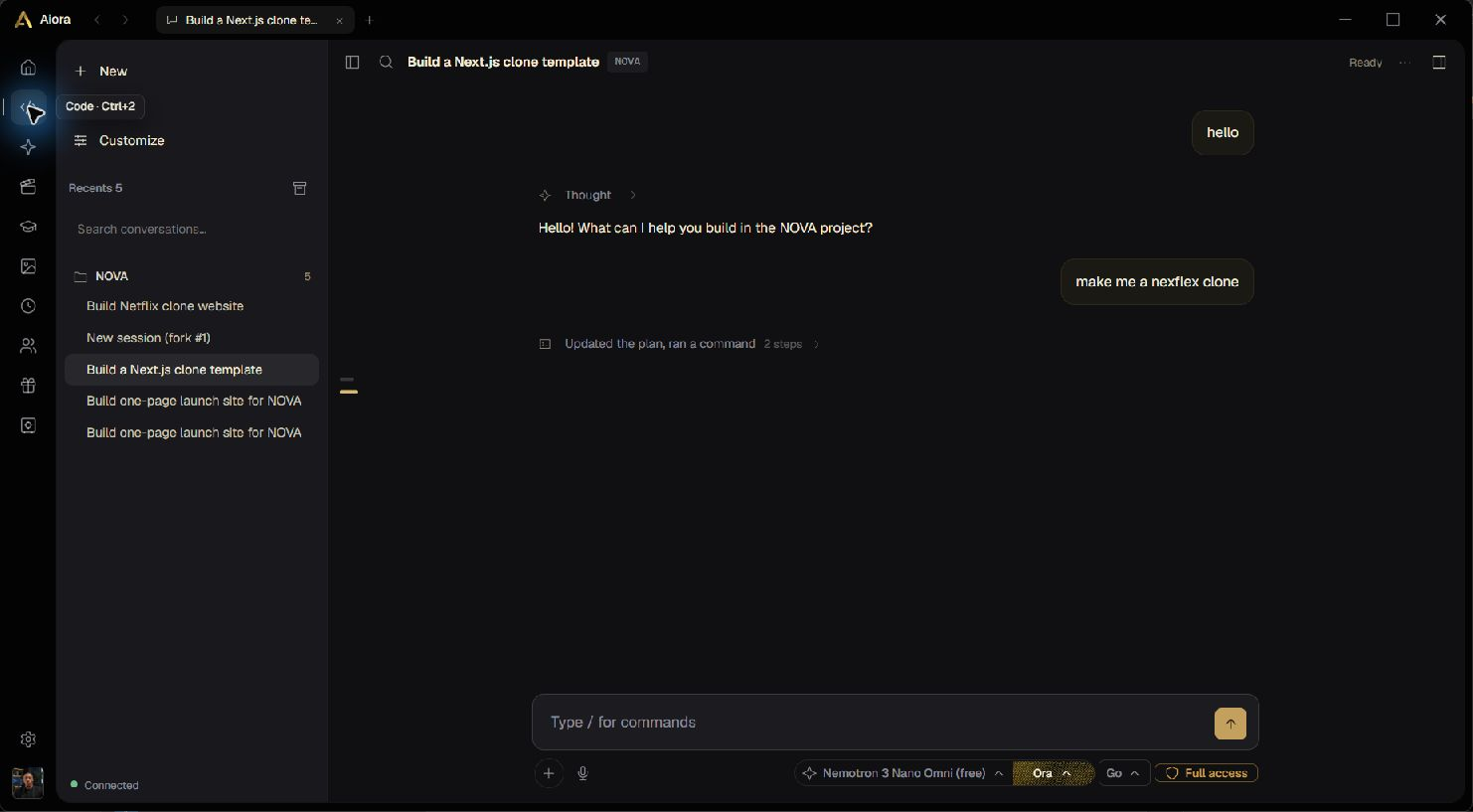
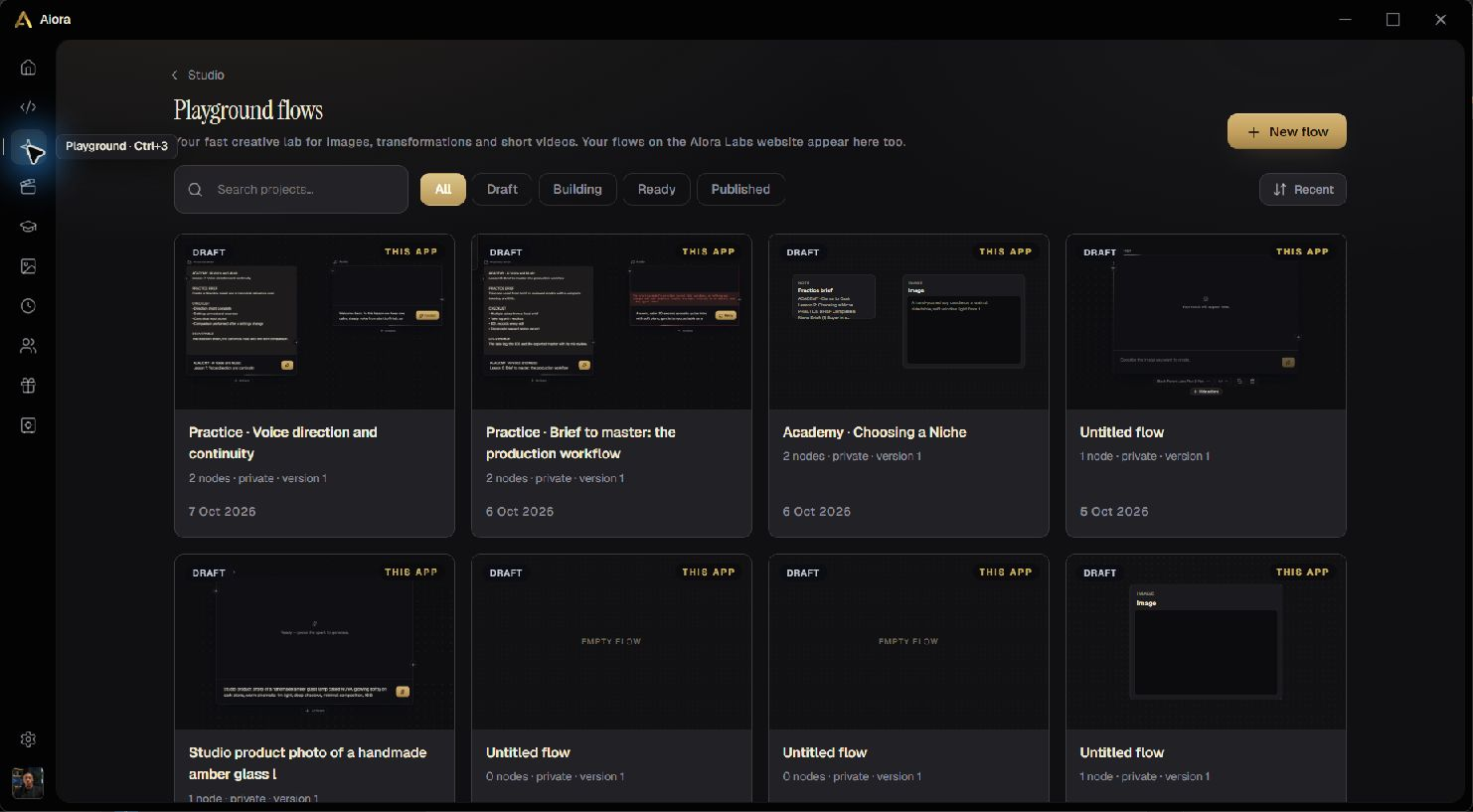
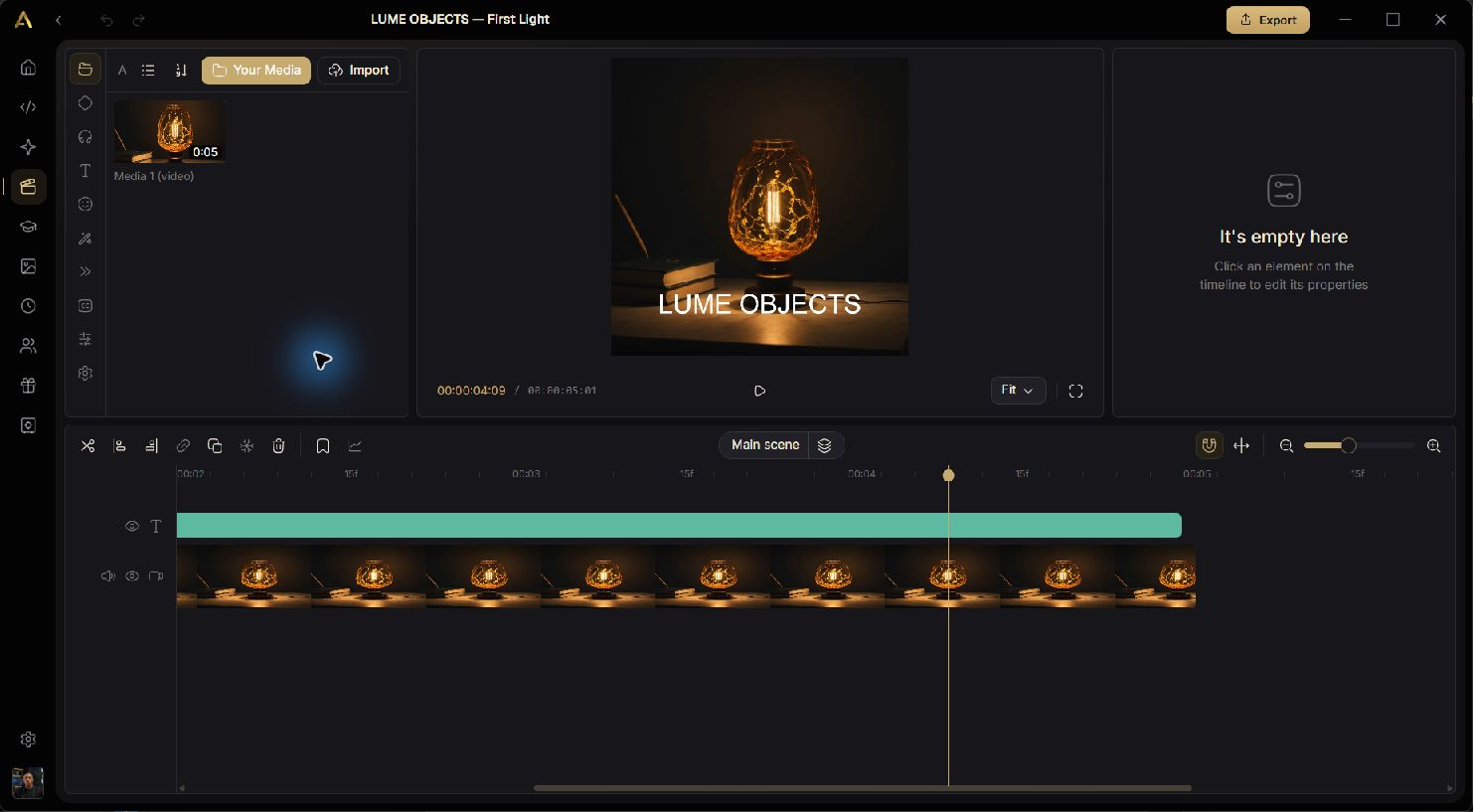
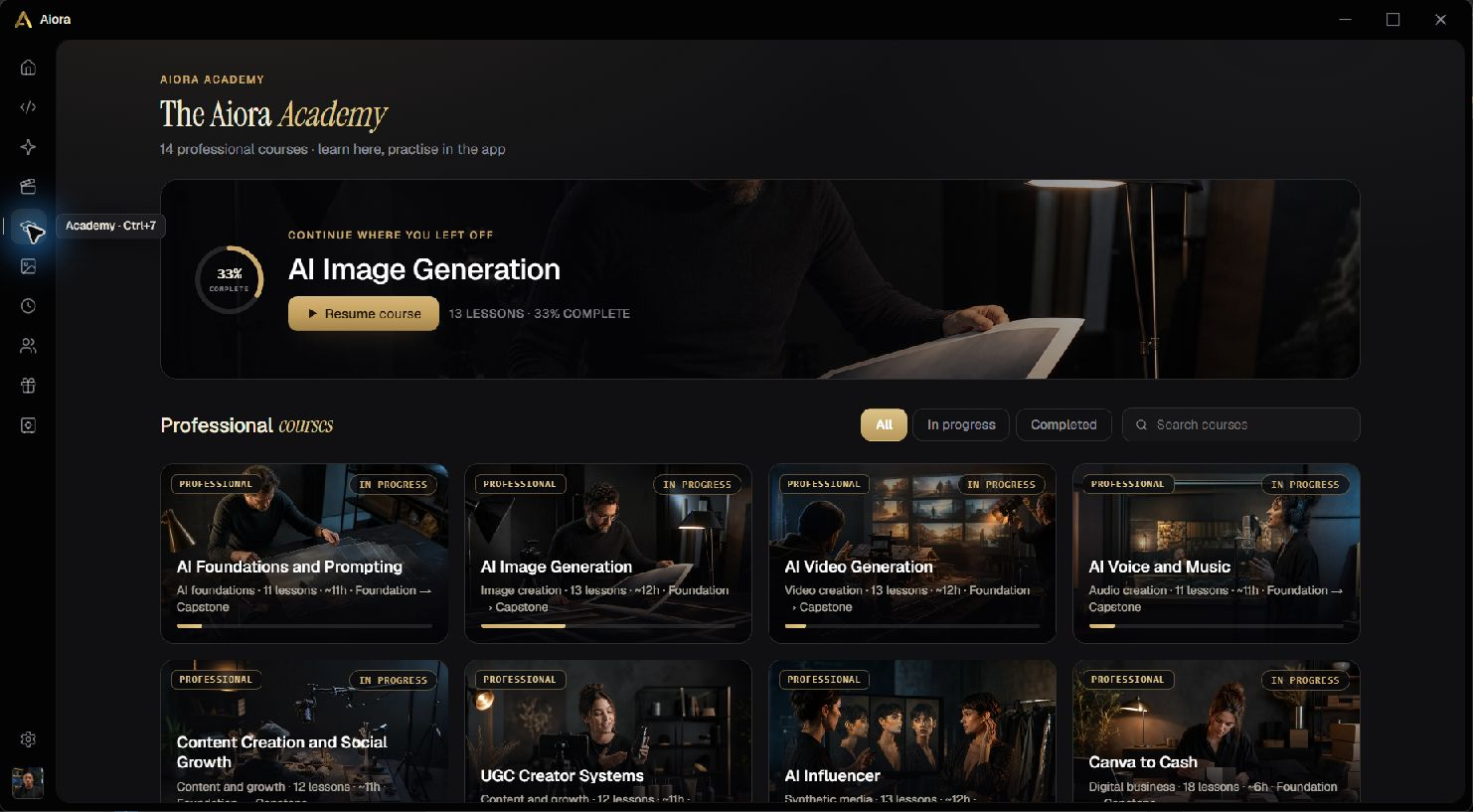
A place to turn the idea into something real. Code, explore, edit and learn in one Windows app, connected to your Aiora Labs account.
Start with free text models and image segmentation. Personal-key runs use your provider account; cloud generation shows its Aiora credit price. Academy courses require membership.
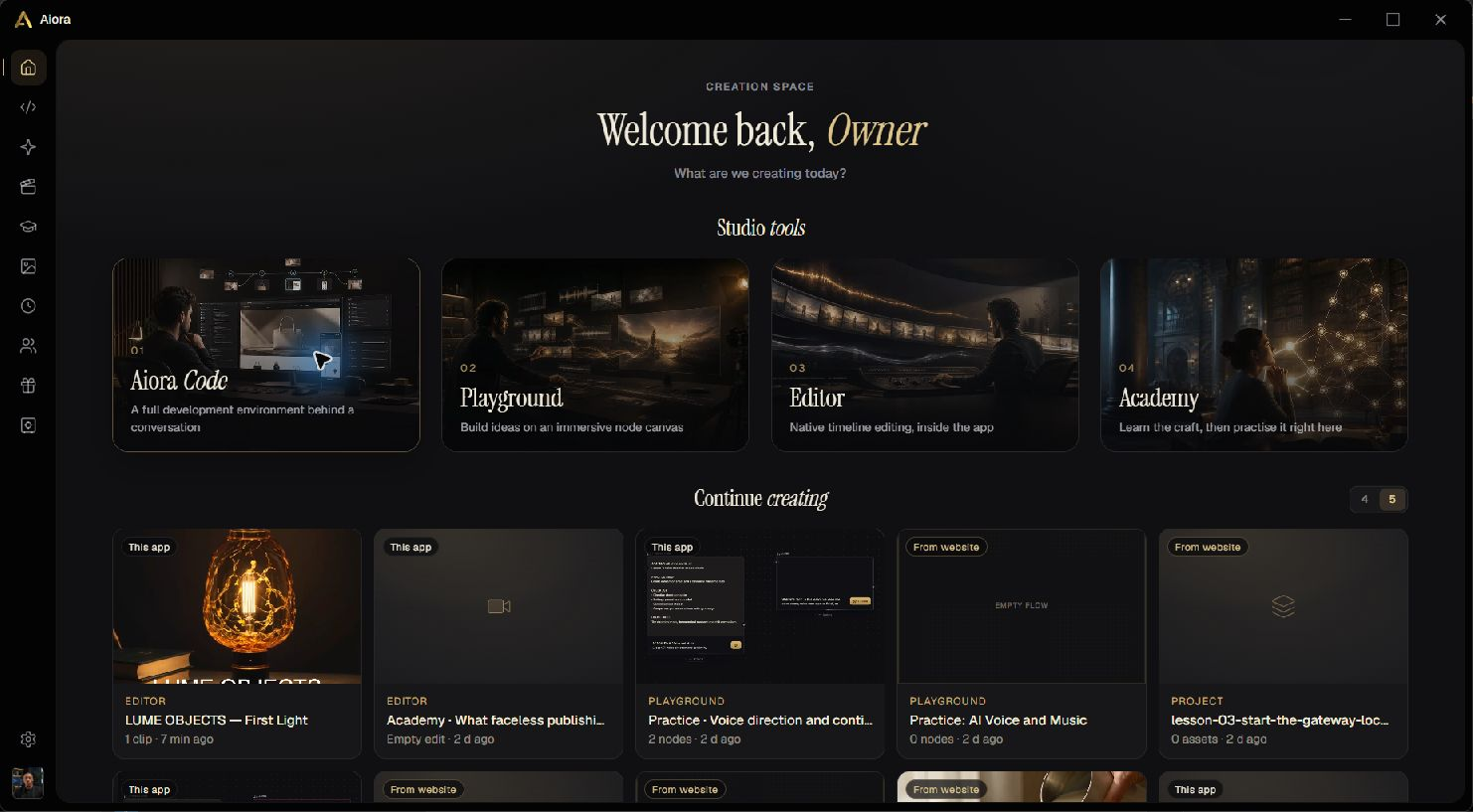
Actual screens from the packaged Windows app.
Release 1.5.10. macOS and Linux installers are not available yet.
THREE STEPS TO START
Run the Windows installer. It installs for your user, adds Start menu and desktop shortcuts, and opens the app.
Create a free Aiora Labs account, then get a pairing code in Settings → Desktop app. Enter it in Aiora.
Open Settings → Models & Providers. Add an OpenRouter API key for Code, or a KIE AI key for image, video and audio in Playground. Stability AI and custom models are supported too. Verify, then save your key.
CLEAR FROM THE START
Free OpenRouter text models use the provider’s free allowance. Paid models charge your provider account. Personal-key runs do not spend Aiora credits. Free models and limits can change.
Buy credits for platform-funded text and media generation. Your website balance is shared with Aiora. Every cloud media run shows a live price for you to approve before it starts.
See plans and creditsThe app is free; Academy courses require an active membership. A free account, a personal API key or buying credits does not unlock courses. Learn in the native Academy workspace or on the website. Membership is checked against your connected account.
Explore AcademyFree image segmentation creates object masks from an existing image for zero provider and Aiora credits. No free text-to-image endpoint was verified on OpenRouter or KIE for this release. Use personal provider keys or Aiora credits for other image, video and audio models. The complete catalogue stays visible; models awaiting verified request contracts are labelled. Native flows sync to your account. Media on your computer remains local until uploaded; personal-key reference files go to the chosen provider; cloud reference workflows use your paired account.
Provider keys are encrypted with Windows secure storage and used by the app’s main process. Personal-key runs send the context needed for your request to that provider.
This installer is currently unsigned. Windows may show an unverified publisher warning. View release details and SHA-256 checksum.